



Think about what happens when someone is building on the shop floor or installing on-site. What do they genuinely need in front of them to do the work correctly?
Most crews need five things: A clear job overview. What is this job? Which room? What is in scope and what is not?Final drawings. Not every revision. Just the ones you approved and signed off on.Key measurements and watch-out notes. Finished sizes, critical clearances, anything from the field that could cause a problem.Hardware and appliance info. Pull locations, hinge types, appliance models, panel sizes.One contact name. Who they call if something on-site does not match the drawings
If the paper in their hands does not serve one of those five purposes, it probably does not need to be printed.
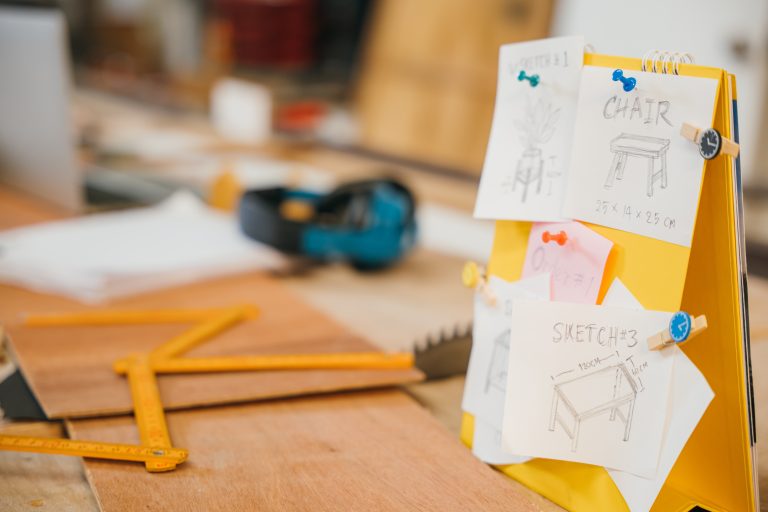
Even a slim job pack fails if it ends up scattered across the shop.
Pick one system and make it consistent: A wall rack by the doorA labeled bin near the loading areaA “today’s jobs” section in the office
Every active job has a folder or clipboard. When a crew heads out, they grab the job folder, the hardware kit, and the parts — not ten different stacks of paper from five different surfaces.
You do not need to be fancy. You need to be consistent. Same place, every time, every job.
Here is where things quietly break down in a lot of shops.
The latest drawing came in as an email attachment. The GC sent a revised measurement by text. A field note about a problem wall lives in one person’s camera roll.
That works for the person who has it. It does nothing for the rest of the crew.
Make one rule stick: if the information matters for the build or the install, it cannot live only in one person’s pocket.
That means:Writing critical updates on the front page of the job packPrinting the revised drawing, marking it clearly as FINAL, and replacing the old one in the folderOne place where the current truth about a job actually lives

Paper packs work. Until something changes on a job and you have to track down every copy and swap out the old page.
Woodshop Master gives every job a single record where everything lives:Scope and notesFiles, drawings, and photosTasks for shop and install
When a dimension changes or a hardware choice gets revised, you update it once. That becomes the current version for everyone.
Your crew can pull up job details on a phone or tablet and see the latest notes and drawings without you having to reprint and redistribute anything.
If you still want paper, the platform helps with that too. You can print a clean one-page job summary and only the drawings that are relevant, instead of printing everything the job has ever touched.
The result:Fewer “is this the right version?” conversationsFewer errors traced back to outdated informationCrews that walk into the day already knowing what they are building
The work stays hands-on. The details stay organized. You stop holding all of it in your head.
See how Woodshop Master handles Job Documentation and File Management

